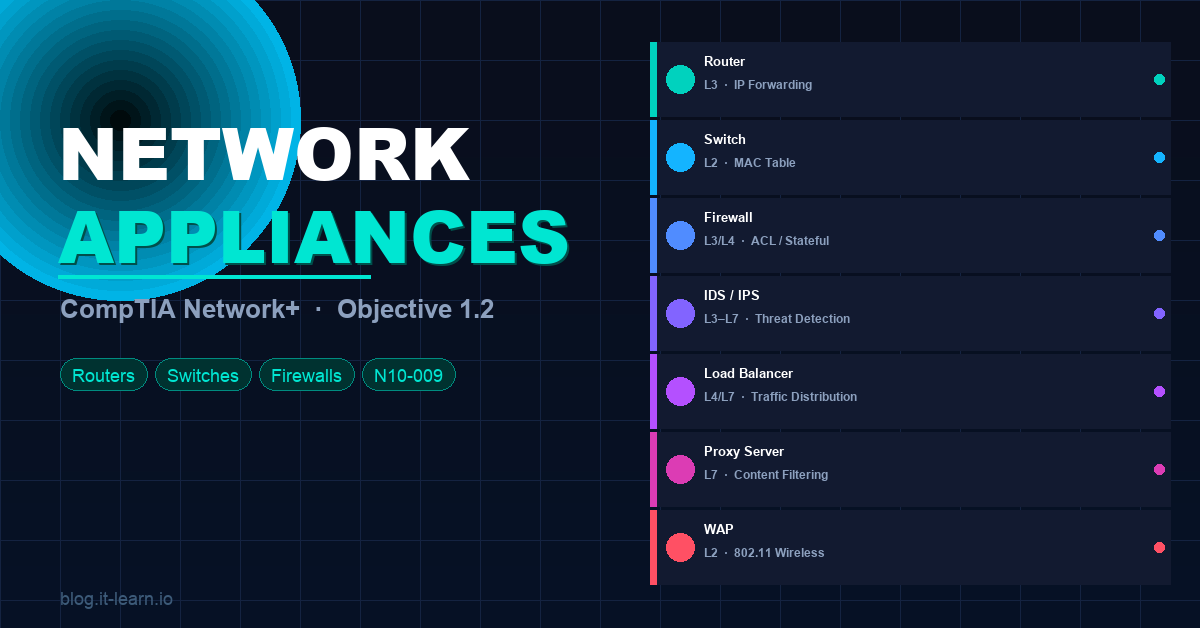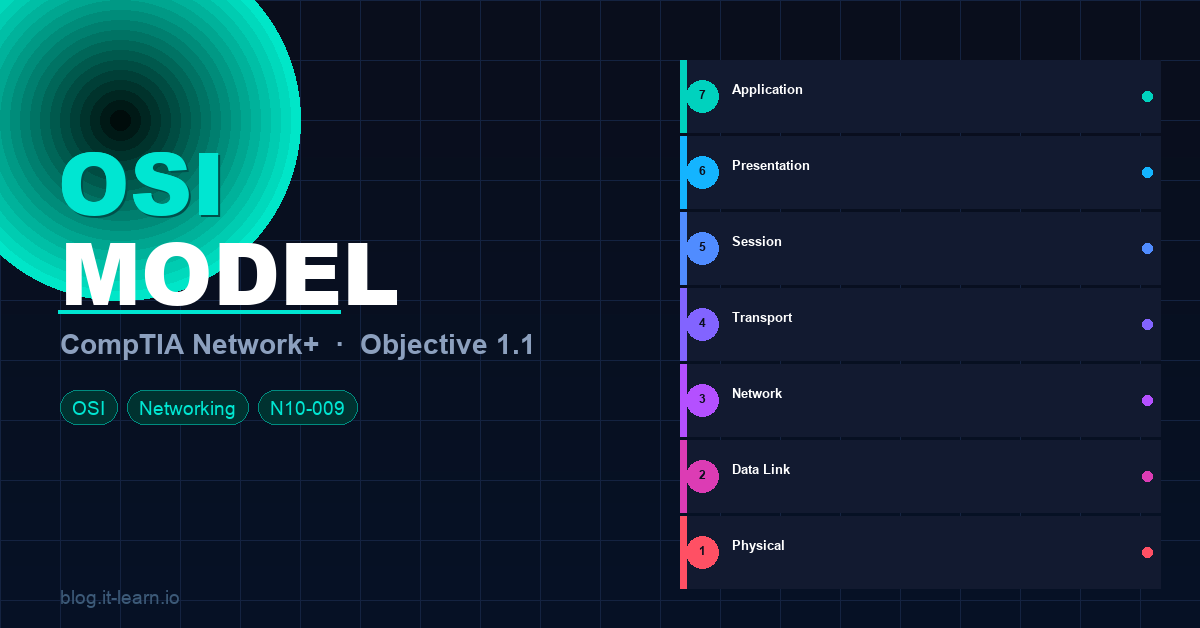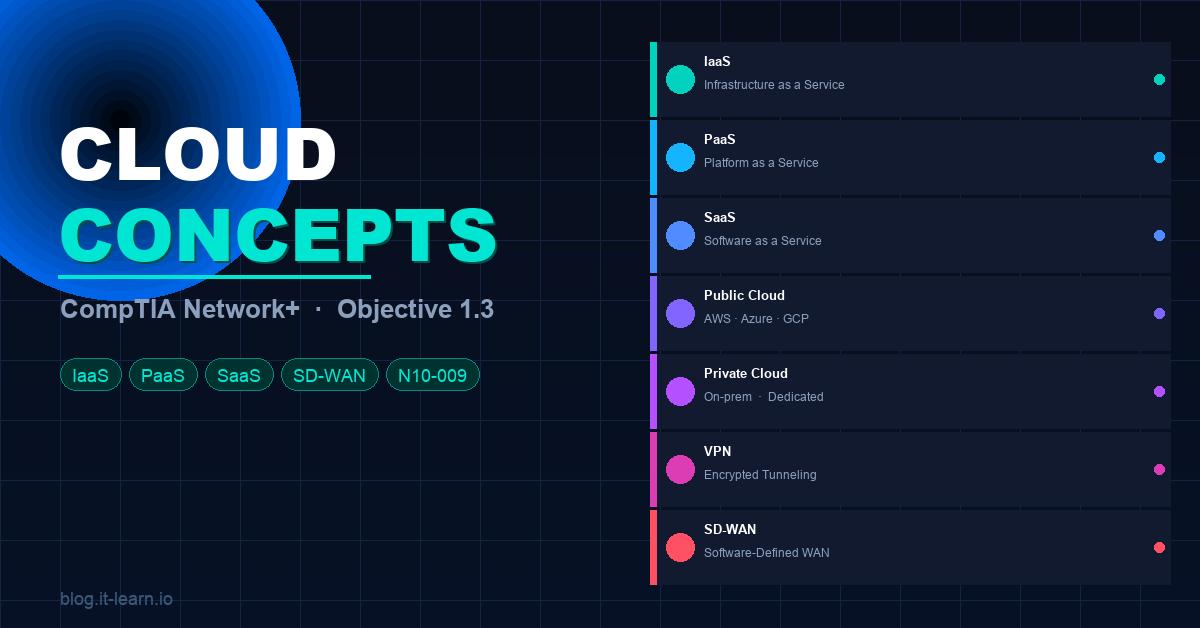
Cloud computing has fundamentally changed how networks are designed and managed. Objective 1.3 of the CompTIA Network+ N10-009 exam tests your understanding of cloud service models, deployment models, and the connectivity options that tie everything together — VPN, SD-WAN, MPLS, and more.
Whether you’re studying for the exam or looking to understand how modern enterprise networks actually work, this post has you covered.
Cloud Service Models
There are three core cloud service models you need to know. The easiest way to think about them is how much the cloud provider manages vs. how much you manage.
IaaS — Infrastructure as a Service
What it is: The cloud provider gives you the raw infrastructure — virtual machines, storage, networking. You manage everything above that: the OS, middleware, runtime, apps, and data.
You manage: OS, applications, data, runtime, middleware Provider manages: Virtualization, servers, storage, networking
Examples: AWS EC2, Microsoft Azure VMs, Google Compute Engine
Use cases: Hosting your own servers without buying physical hardware, development/test environments, disaster recovery
🧠 Exam tip: IaaS = most control, most responsibility. You’re renting the hardware but still managing everything above it.
PaaS — Platform as a Service
What it is: The cloud provider manages the infrastructure AND the platform (OS, runtime, middleware). You focus only on building and deploying your application and managing your data.
You manage: Applications and data Provider manages: OS, runtime, middleware, virtualization, servers, storage, networking
Examples: AWS Elastic Beanstalk, Google App Engine, Microsoft Azure App Service, Heroku
Use cases: Developers who want to focus on writing code without worrying about server management, CI/CD pipelines
🧠 Exam tip: PaaS = the platform is managed for you. Think “developer-friendly” — you just push code.
SaaS — Software as a Service
What it is: The complete application is delivered over the internet. The provider manages everything — infrastructure, platform, and the software itself. You just use it through a browser or app.
You manage: Your data and user settings Provider manages: Everything else
Examples: Microsoft 365, Google Workspace, Salesforce, Zoom, Slack, Dropbox
Use cases: End-user productivity apps, email, CRM, collaboration tools
🧠 Exam tip: SaaS = least control, least responsibility. You’re just a user of the software — the provider handles all the complexity.
The Responsibility Stack
                  IaaS        PaaS        SaaS
Applications       YOU        YOU        Provider
Data               YOU        YOU        Provider
Runtime            YOU      Provider    Provider
Middleware         YOU      Provider    Provider
OS                 YOU      Provider    Provider
Virtualization   Provider   Provider    Provider
Servers          Provider   Provider    Provider
Storage          Provider   Provider    Provider
Networking       Provider   Provider    Provider
XaaS — Everything as a Service
You may also see these on the exam:
| Model | Full name | What it delivers |
|---|---|---|
| DaaS | Desktop as a Service | Virtual desktops in the cloud |
| DBaaS | Database as a Service | Managed database (RDS, Cloud SQL) |
| SECaaS | Security as a Service | Cloud-delivered security (CASB, SIEM) |
| NaaS | Network as a Service | Cloud-managed networking |
| FaaS | Function as a Service | Serverless computing (AWS Lambda) |
Cloud Deployment Models
How and where the cloud resources are hosted determines the deployment model.
Public Cloud
Resources are owned and operated by a third-party cloud provider and shared across multiple customers (multi-tenant). Access is over the public internet.
- Examples: AWS, Microsoft Azure, Google Cloud Platform (GCP)
- Pros: No upfront cost, instant scalability, pay-as-you-go
- Cons: Less control, potential compliance concerns, shared infrastructure
🧠 Exam tip: Public cloud = multi-tenant, managed by a provider, accessed over the internet.
Private Cloud
Cloud infrastructure dedicated to a single organization. Can be hosted on-premises or by a third party, but resources are not shared.
- Examples: VMware vSphere, Microsoft Azure Stack, on-prem OpenStack
- Pros: Full control, better security/compliance, customizable
- Cons: Higher cost, requires in-house expertise to manage
🧠 Exam tip: Private cloud = single-tenant, dedicated infrastructure, more control and security.
Hybrid Cloud
A combination of public and private cloud environments connected together, allowing data and applications to move between them.
- Use case: Keep sensitive workloads on private cloud while bursting into public cloud during peak demand (“cloud bursting”)
- Examples: Azure Hybrid, AWS Outposts, VMware Cloud on AWS
🧠 Exam tip: Hybrid = best of both worlds. Sensitive data stays private, scalable workloads go public.
Community Cloud
Shared cloud infrastructure used by a specific group of organizations with common concerns (compliance, security, industry regulations).
- Examples: Government agencies sharing a FedRAMP-compliant cloud, healthcare organizations on a HIPAA cloud
- Less common on the exam but know what it is
Multi-Cloud
Using multiple cloud providers simultaneously — not a hybrid (that’s public + private), but multiple public clouds.
- Example: Using AWS for compute, Azure for AI services, and GCP for analytics
- Pros: Avoids vendor lock-in, best-of-breed services
- Cons: Complexity, multiple billing, varied toolsets
Cloud Connectivity Options
How do you actually connect to the cloud securely? This is a big part of Objective 1.3.
VPN (Virtual Private Network)
An encrypted tunnel over the public internet that connects your on-premises network (or individual users) to the cloud.
Types:
- Site-to-site VPN — connects an entire office network to a cloud VPC/VNet
- Remote access VPN — individual users connect to the cloud or corporate network
- Client VPN — software-based, uses SSL/TLS or IPsec
Pros: Inexpensive, easy to set up, encrypted Cons: Relies on public internet (variable latency/reliability), not ideal for high-bandwidth workloads
SD-WAN (Software-Defined Wide Area Network)
SD-WAN is a modern WAN technology that uses software to dynamically route traffic across multiple connection types (MPLS, broadband, LTE, 5G) based on real-time performance.
Key concepts:
- Centralized control plane — a controller manages routing policies across all sites
- Dynamic path selection — automatically chooses the best path per application
- Application-aware routing — voice and video prioritized over best links, bulk transfers over cheaper ones
- Zero-touch provisioning — new branch sites can be configured automatically
SD-WAN vs. traditional WAN:
| Traditional WAN | SD-WAN | |
|---|---|---|
| Links | MPLS only | MPLS + broadband + LTE + 5G |
| Management | Manual, per-device | Centralized, policy-based |
| Cost | High (MPLS) | Lower (mix of links) |
| Agility | Slow to change | Fast, software-driven |
| Cloud optimization | Poor | Excellent (direct internet breakout) |
Examples: Cisco Viptela, VMware SD-WAN (VeloCloud), Fortinet SD-WAN, Meraki SD-WAN
🧠 Exam tip: SD-WAN = software-defined, centrally managed, uses multiple link types, application-aware routing. It replaces or augments MPLS with cheaper broadband while maintaining QoS.
MPLS (Multiprotocol Label Switching)
A private WAN technology that routes traffic using labels rather than IP addresses. Packets are assigned a label at the edge of the MPLS network, then forwarded at high speed through the core based on that label.
Key concepts:
- Label Edge Router (LER) — adds/removes labels at the network edge
- Label Switch Router (LSR) — forwards packets based on labels in the core
- LSP (Label Switched Path) — the predetermined path packets follow
- Traffic engineering — MPLS allows fine-grained control over traffic paths
Pros: Predictable latency, QoS guarantees, private (not over internet), reliable Cons: Expensive, long provisioning times, not optimized for direct cloud access
🧠 Exam tip: MPLS = private, reliable, expensive, carrier-provided. Great for voice/video. Being replaced by SD-WAN in many environments.
Direct Connect / ExpressRoute
Dedicated private connections from your data center directly to a cloud provider — bypassing the public internet entirely.
| Provider | Product name |
|---|---|
| AWS | AWS Direct Connect |
| Microsoft Azure | ExpressRoute |
| Google Cloud | Cloud Interconnect |
Pros: Consistent bandwidth, low latency, more secure than internet VPN, predictable performance Cons: Expensive, requires physical circuit provisioning, longer setup time
🧠 Exam tip: Direct Connect / ExpressRoute = dedicated private circuit to the cloud. More reliable and secure than internet VPN, but costs more.
Internet (Public Connectivity)
Standard internet connectivity for cloud access. Used for:
- SaaS applications (Microsoft 365, Salesforce)
- Public API access
- Less sensitive workloads
SD-WAN direct internet breakout allows branch offices to send cloud-bound traffic directly to the internet rather than backhauling it through headquarters — improving performance and reducing WAN costs.
Cloud Storage Models
| Type | Description | Example |
|---|---|---|
| Object storage | Stores unstructured data as objects with metadata | AWS S3, Azure Blob |
| Block storage | Raw storage volumes attached to VMs | AWS EBS, Azure Disk |
| File storage | Shared file system accessible over NFS/SMB | AWS EFS, Azure Files |
Virtualization Concepts
Cloud computing is built on virtualization. Key terms for the exam:
- Hypervisor — software that creates and manages virtual machines
- Type 1 (bare-metal): runs directly on hardware — VMware ESXi, Microsoft Hyper-V, KVM
- Type 2 (hosted): runs on top of an OS — VirtualBox, VMware Workstation
- VM (Virtual Machine) — a complete software emulation of a physical computer
- Container — lightweight, isolated application environment sharing the host OS kernel (Docker, Kubernetes)
- VDI (Virtual Desktop Infrastructure) — virtual desktops delivered to end users
Quick Reference Cheat Sheet
| Concept | Key Point | Exam Keyword |
|---|---|---|
| IaaS | You manage OS up | EC2, Azure VMs |
| PaaS | You manage app + data | App Engine, Elastic Beanstalk |
| SaaS | Provider manages everything | Microsoft 365, Salesforce |
| Public cloud | Multi-tenant, internet-accessible | AWS, Azure, GCP |
| Private cloud | Single-tenant, dedicated | On-prem VMware, Azure Stack |
| Hybrid cloud | Public + private connected | Cloud bursting |
| Community cloud | Shared by specific group | Gov, healthcare |
| VPN | Encrypted tunnel over internet | Site-to-site, remote access |
| SD-WAN | Software-defined, multi-link WAN | Dynamic path selection |
| MPLS | Private label-switched WAN | LER, LSR, LSP |
| Direct Connect | Dedicated private circuit to cloud | ExpressRoute, Direct Connect |
| Type 1 hypervisor | Runs on bare metal | ESXi, Hyper-V |
| Type 2 hypervisor | Runs on top of OS | VirtualBox, Workstation |
Practice Questions
Click each question to reveal the answer:
1. A developer wants to deploy an application to the cloud without managing the underlying OS or infrastructure. Which service model should they use?
2. A company stores all customer data on-premises in a private cloud but uses AWS for burst computing during peak periods. What deployment model is this?
3. What technology dynamically routes traffic across multiple WAN links (MPLS, broadband, LTE) based on application performance requirements?
4. Which cloud connectivity option provides a dedicated private circuit to a cloud provider, bypassing the public internet?
5. A Type 1 hypervisor differs from a Type 2 hypervisor in what way?
6. Which cloud service model gives the customer the most control over their environment?
7. A government agency shares cloud infrastructure with other agencies that have the same compliance requirements. What deployment model is this?
8. What is the primary advantage of SD-WAN over traditional MPLS-only WAN?
What’s Next?
You’ve now covered the first three objectives of the Network+ exam:
- ✅ Objective 1.1 — OSI Model
- ✅ Objective 1.2 — Networking Appliances
- ✅ Objective 1.3 — Cloud Concepts & Connectivity (you are here)
Keep the momentum going — subscribe to the it-learn YouTube channel for the full video series. Good luck on the exam! 💪